Documentation
Up and running in a few lines
Copy the configuration for your favourite agent — just a base URL and your key, nothing hidden.
CC Switch (auto-switch) configuration
A desktop app that holds many provider configs and switches Claude Code / Codex to OmniRouter with one click — no manual env vars.
Configuration
powershell
PS> # Download CC Switch — .msi installer or portable .zip:
#   https://github.com/farion1231/cc-switch/releases
tip
Codex flow shown below; Claude Code tab is analogous — pick the Claude icon and use Base URL https://omnirouter-api.cc without the /v1 suffix.
What this configures
- Install CC Switch (above) and open it
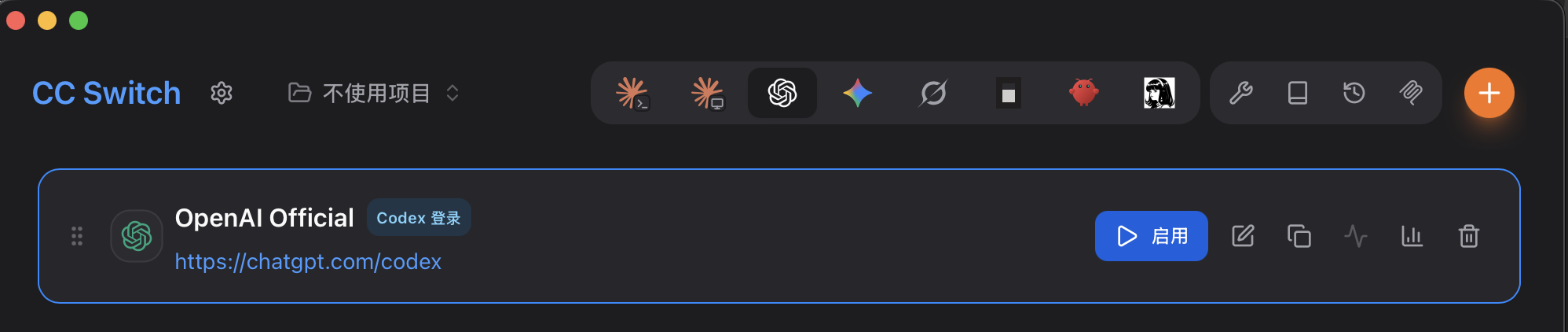
- Pick the OpenAI (Codex) icon in the top toolbar, click the orange + to add a config
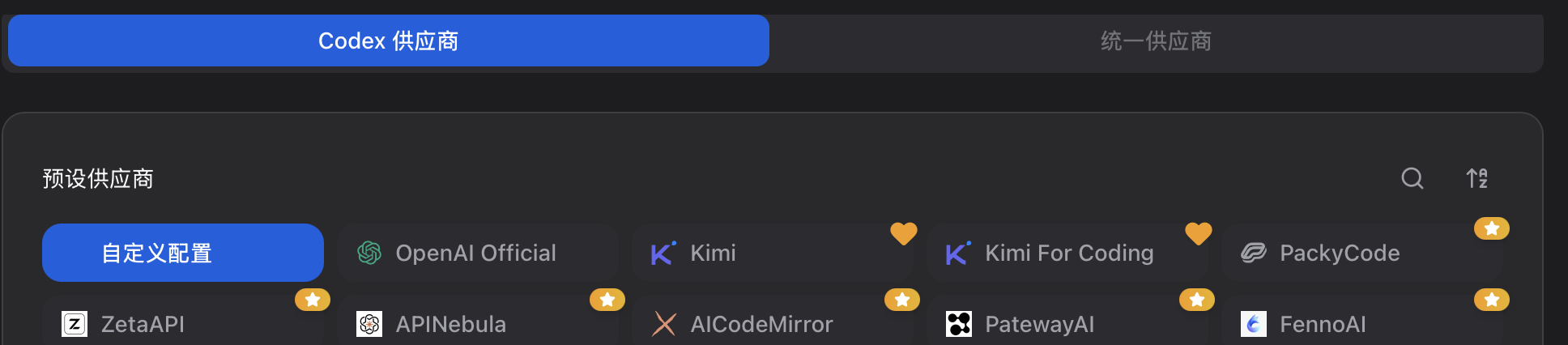
- In the preset provider list, choose 自定义配置 / Custom Config
- Fill in: Name omnirouter, API Key sk-<your OmniRouter key>, API URL https://omnirouter-api.cc/v1, Default Model gpt-5.6-sol → Add
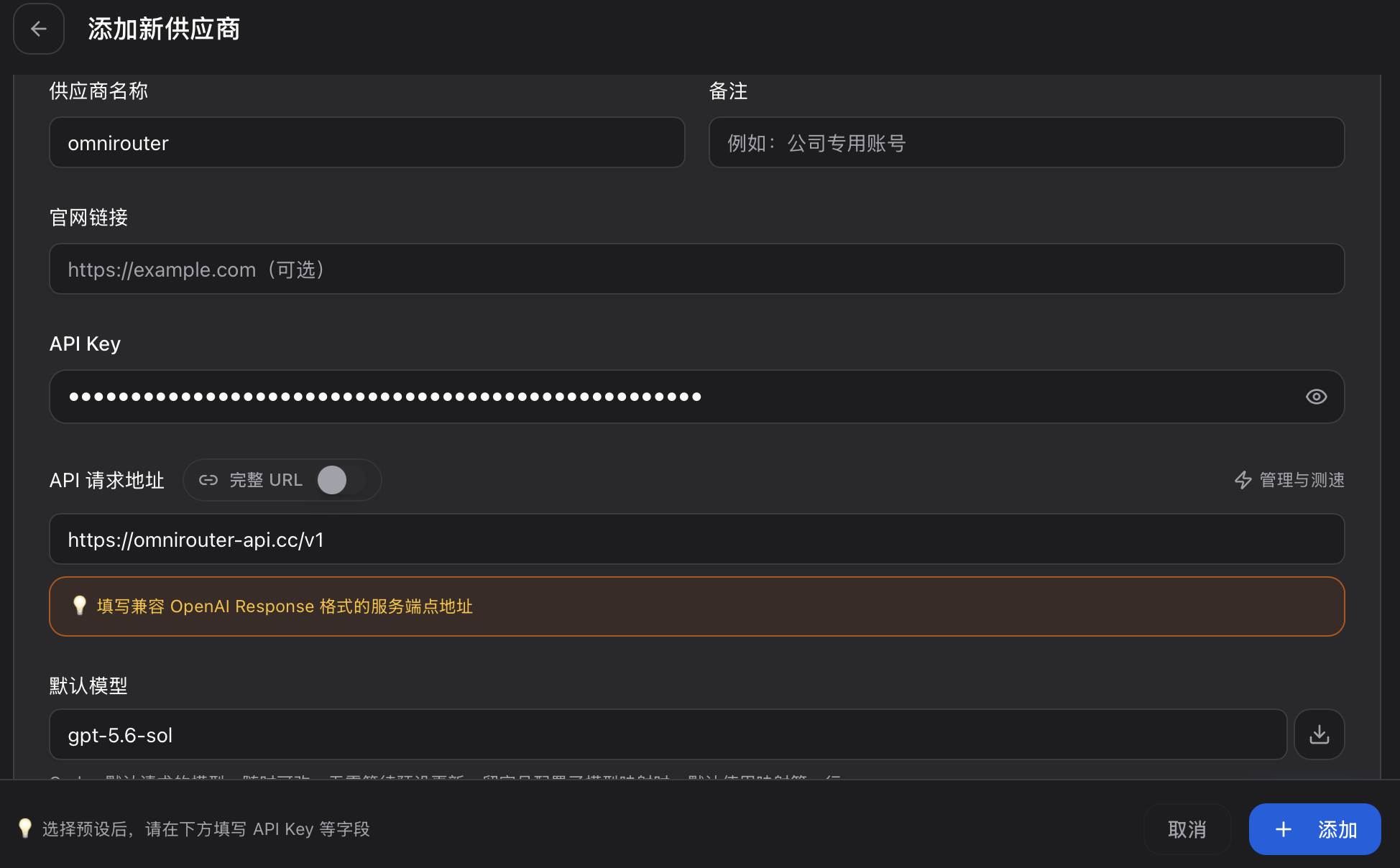
- Hit Enable (or the tray icon) — Codex switches to OmniRouter instantly, no restart